Your domain says 'suspended': what clientHold means and how to fix it
By Domain Yoga · Last updated July 22, 2026
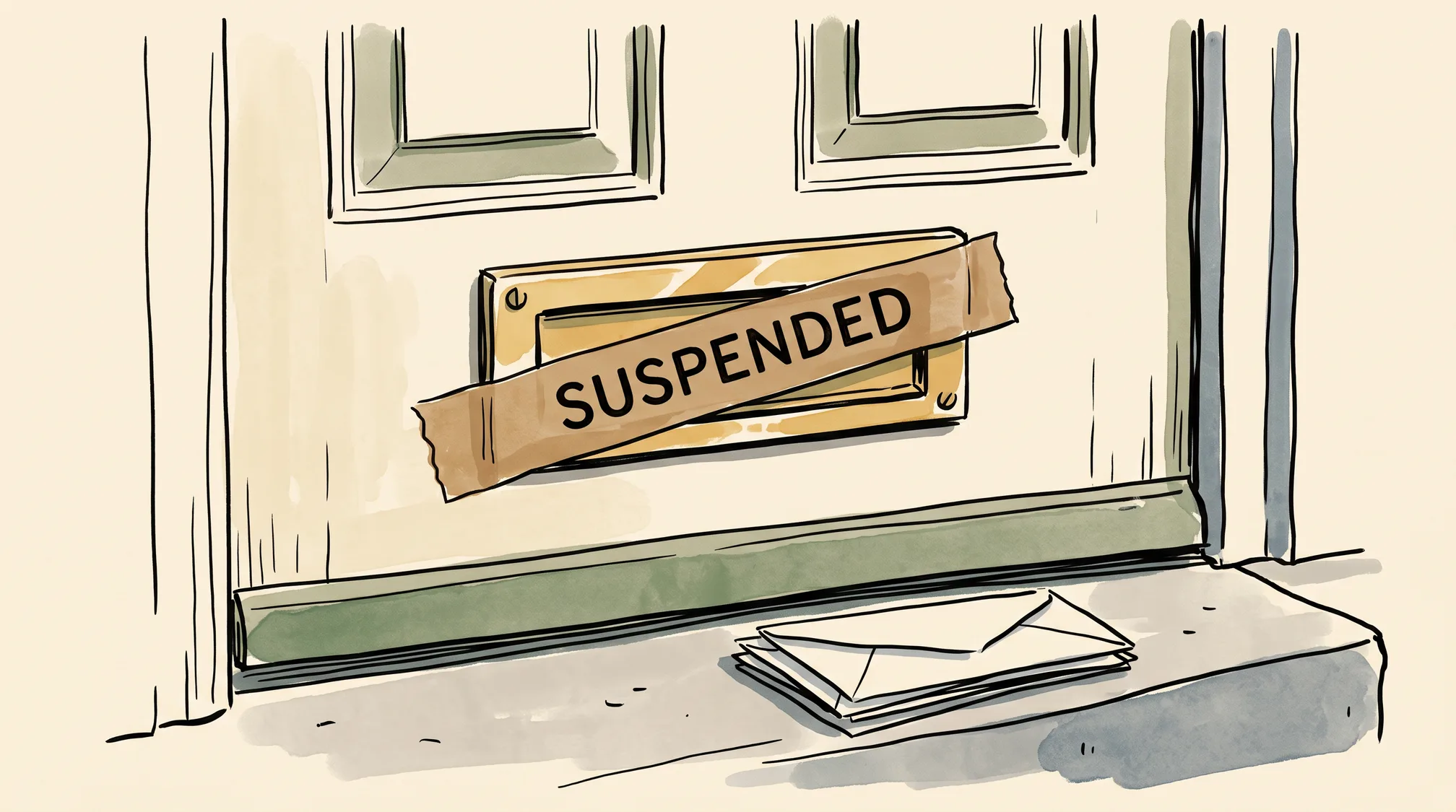
Your site is down, your email is bouncing, and a WHOIS lookup shows a status you’ve never noticed before: clientHold. First, the reassuring part: clientHold is a deliberate hold your registrar has placed on your domain — not a hack, not a botched DNS record, and not a propagation delay. The domain still belongs to you. Better still, the most common trigger by far is trivial: a registrant email verification link you never clicked, fixable in minutes. Here’s what the status actually means, the likely causes ranked from benign to serious, and how to get everything resolving again.
What does clientHold actually mean?
clientHold is one of the standard EPP status codes — the flags registrars and registries use to control what can happen to a domain. (Our domain glossary covers the status codes you’ll meet in a WHOIS result.) The client in the name means your registrar set it; a matching serverHold exists that only the registry can set, which matters later.
What it does is blunt: a domain on clientHold is pulled out of the TLD’s zone entirely. The registry stops publishing its nameservers, so the domain stops resolving everywhere — website, email, subdomains, APIs, all of it, for everyone. That totality is your first diagnostic clue. A DNS mistake or a slow change usually fails partially or inconsistently; a hold fails completely. If your site is merely flaky, or works on one network but not another, you’re probably looking at ordinary DNS propagation or a misconfigured record instead. If WHOIS says clientHold, someone flipped a switch on purpose — and your job is to find out why.
What causes clientHold — and how do I fix it?
Work down this ladder in order. The causes near the top are dramatically more common than the ones near the bottom.
1. You never verified your registrant email — the usual culprit. Under ICANN’s rules for gTLDs (.com, .org, .dev and so on), when you register a domain or change its contact details, your registrar must verify that the registrant email address works. If nobody clicks the verification link within about 15 days, under ICANN’s policy the registrar is required to suspend the domain — and clientHold is how they do it. It’s easy to miss: the mail is automated, looks like boilerplate, and loves spam and promotions folders. The fix is equally mundane: find the verification email and click it, or log in to your registrar and request a fresh one. Once verified, the hold typically lifts within minutes to a few hours. Note that WHOIS privacy doesn’t change this — GDPR redaction hides your details from public WHOIS, but the verification mail still goes to the real address on file, so that address has to be one you actually read.
2. The domain expired and hasn’t been renewed. Registrars commonly park an expired domain on hold during the grace period after the expiry date. Log in and check the renewal date; if it has passed, renew now. Recovery gets more expensive and less certain the further along the expiry lifecycle you are — the ordinary grace period gives way to a redemption phase with a steep restore fee, and eventually to open re-registration by anyone — so don’t sit on this one.
3. A billing problem with your registrar. A failed auto-renew card, a chargeback, or an unpaid invoice can also earn a hold. Check your account’s billing section, settle the balance, and the hold should clear shortly after.
4. An abuse complaint. If your domain was reported for spam, phishing, or malware — often because the site was compromised rather than anything you did — the registrar may suspend it while the complaint is investigated. Look for an abuse notice in your inbox, fix the underlying problem (clean the site, close the hole, stop the mail), and reply to the notice explaining what you did. The hold lifts once the registrar is satisfied.
5. A legal or dispute hold. Rarest and most serious. If the status is actually serverHold — set at the registry, above your registrar’s head — it often signals a legal action, court order, or a UDRP domain dispute. Your registrar can’t lift a serverHold, and the fix runs through whatever process triggered it. That’s a different and longer conversation than this article; the point here is simply to recognize the signal.
How do I tell which one I’m in?
Start with your inbox and your registrar dashboard, not with DNS tools. Search your mail — including spam — for anything from your registrar in the past few weeks: a verification prompt, a renewal notice, a billing failure, an abuse notice. Then log in and open the domain’s page; most dashboards state plainly why a domain is suspended and what they want from you. A WHOIS or RDAP lookup fills in the rest: clientHold means your registrar did it and can undo it, serverHold means it came from the registry.
And keep perspective while you triage: for a domain that was working yesterday on an account in good standing, the boring email-verification miss is far and away the most likely answer. Most people are one clicked link away from being back online.
How do I make sure this never happens again?
The whole category is mostly preventable with two habits. Keep the registrant email on your domains pointing at an inbox you actually read — not a defunct work address or an alias that quietly broke. And treat any verification email from your registrar as urgent rather than ignorable, especially right after registering or editing contact details. Both belong in the same routine as the rest of your first-hour domain setup: two minutes of hygiene against days of downtime.
Domain Yoga helps you find a name worth registering in the first place — brandable, availability-checked ideas in seconds. Keeping it healthy afterward is just these few habits.
clientHold is one of a defined set, and the full list is worth a look if your domain is showing a status you do not recognise: ICANN publishes what every EPP status code means.