When and how to rename a project
By Domain Yoga · Last updated July 19, 2026
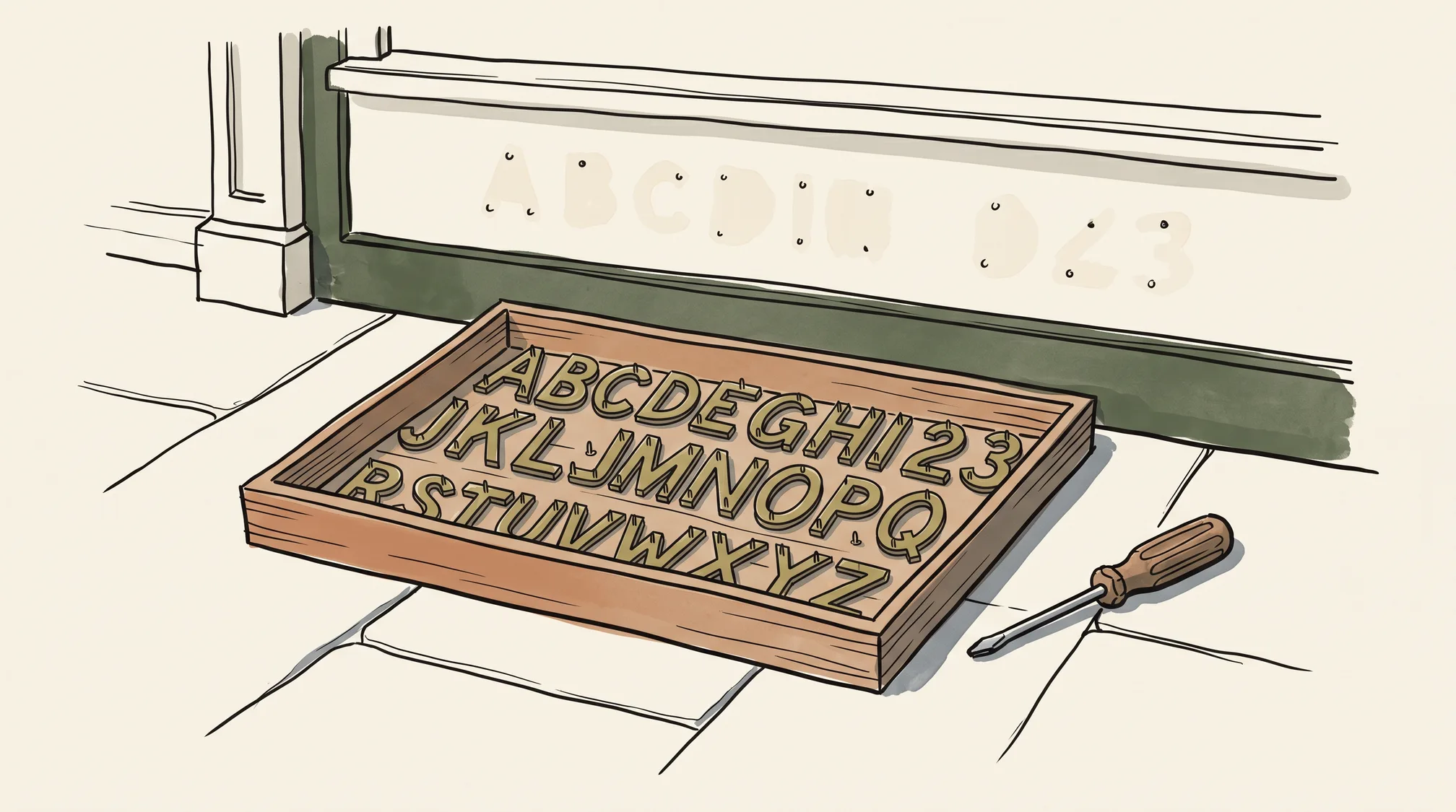
Rename a project when the name is actively costing you something — a trademark conflict, a domain you can never own, a description of a product you no longer build — and do it by securing the new name everywhere first, then redirecting everything from the old one, permanently. The governing principle is simple: renaming gets more expensive every day you wait. In week two, a rename is a find-and-replace. In year three, it’s a migration project with SEO risk, confused customers, and a pile of printed stickers. So decide fast, and if the answer is yes, move fast — but accept that a late rename, while painful, is sometimes still cheaper than keeping a broken name forever.
What are the signs a rename is worth it?
Four signals show up over and over, and any one of them is usually enough.
A trademark conflict. If someone with a registered mark in your category can credibly demand you stop, the question isn’t whether to rename but when — and “now, on your own schedule” beats “later, on a lawyer’s schedule.” A rename you control is an announcement; a rename you’re forced into mid-growth is a crisis. If you’ve received a cease-and-desist, or your own trademark search turns up a live mark in your class, treat the current name as already gone.
You can’t get the domain. If the exact-match domain is parked at a five-figure asking price and you’re operating from a hyphenated or suffixed variant, you’re leaking traffic and credibility to a page of ads. Some projects live fine on a modified domain. But if you catch yourself spelling out “no, it’s get-projectname, with a hyphen” in every conversation, the name and the address have diverged, and one of them has to move.
The name limits growth. Names that describe version one become ceilings for version three. A tool called something like “PDFResizer” has a problem the day it starts editing images; a “WeeklyDigest” has a problem when it goes daily. This is the classic pattern behind many real-world renames: the product outgrew the noun in its own name. When you keep writing “despite the name, we also…” in your marketing, the name is working against you.
Constant misspelling. If people can’t spell the name after hearing it, or can’t say it after reading it, every referral gets taxed. Word-of-mouth is your cheapest growth channel, and a name that fails the radio test — hear it once, type it correctly — quietly throttles that channel. Watch your search console for misspelled queries and your inbox for mangled versions; if the same three typos keep appearing, your users are telling you something.
When should you not rename a project?
Renaming has real costs, so the reason has to be real too. Two bad reasons account for most regretted renames.
Vanity. You’ve stared at the name for two years and you’re bored of it. Your users are not — most of them think about your name for zero seconds a week, and familiarity is the entire point of having one. Boredom, a slightly cooler word you thought of in the shower, or a rebrand for the sake of feeling like a “new chapter” are not reasons. A mediocre name with recognition beats a great name without it.
Avoiding real problems. If growth has stalled, a rename feels like action: it’s visible, it’s dramatic, and it ships a new landing page. But churn caused by pricing, positioning, or product gaps survives any rename intact — you just pay the switching cost on top. Before renaming, write down the specific mechanism by which the name is hurting you. “It feels stale” is not a mechanism. “We lose the trademark dispute” and “half our support emails misspell the domain” are.
If none of the four signs above apply, keep the name and spend the energy on the product.
How do you rename with the least damage?
Once the decision is made, order of operations is everything. The rule: nothing goes public until the new identity is fully secured.
- Secure the new name everywhere first. Register the domain, grab the social handles, the package registry name, the app store listing, the GitHub org — before you announce, before you tell your community, before it can leak. The moment a rename is public, the unclaimed handles become squatting targets. Choosing the replacement is a full naming project in its own right, and it deserves the same rigor as naming from scratch — the process in how to name a startup applies verbatim, with one addition: this time you know exactly what the old name got wrong, so write that down as your first constraint.
- Set up 301 redirects for everything. Permanent, page-to-page redirects from every old URL to its new equivalent — not a blanket redirect to the new homepage. Page-level 301s are how search engines transfer the authority your old URLs earned, and how years of inbound links, bookmarks, and README badges keep working. Update your canonical tags and sitemap, and verify the new domain in your search tools.
- Announce it once, clearly. A short post that says what changed, what didn’t, and why. Users mostly want reassurance that nothing breaks: same product, same accounts, same team, new name. Update your email sending domain carefully — send from the new domain but keep receiving on the old one, because people will email old addresses for years.
- Update every surface, then hunt stragglers. Docs, footer, invoices, OAuth consent screens, integration directories, that conference talk description from last year. Keep a checklist; you will find references to the old name for months. Each one you miss is a small “is this still the same company?” moment for someone.
- Keep the old domain redirecting — indefinitely. This is the step people skimp on. Renewing the old domain costs a few dollars a year; letting it lapse hands your legacy traffic, and every link ever pointed at you, to whoever registers it next — possibly a phisher wearing your old name. Budget to renew the old domain for as long as the project exists. It’s the cheapest insurance you’ll ever buy.
Do it in that order and a rename becomes a controlled operation instead of a scramble: identity secured, links preserved, users informed, history redirected.
And if you’re at step one — staring at a blank input, needing a name that fixes what the old one broke — Domain Yoga generates names with live domain availability, so this time the name and the domain arrive together.
Deciding to rename is the easy half. Moving without losing the rankings you already have is the part that goes wrong, and rebrand without losing SEO is the mechanics of it.