Check a domain's history before you buy it (Wayback, blacklists, spam backlinks)
By Domain Yoga · Last updated July 26, 2026
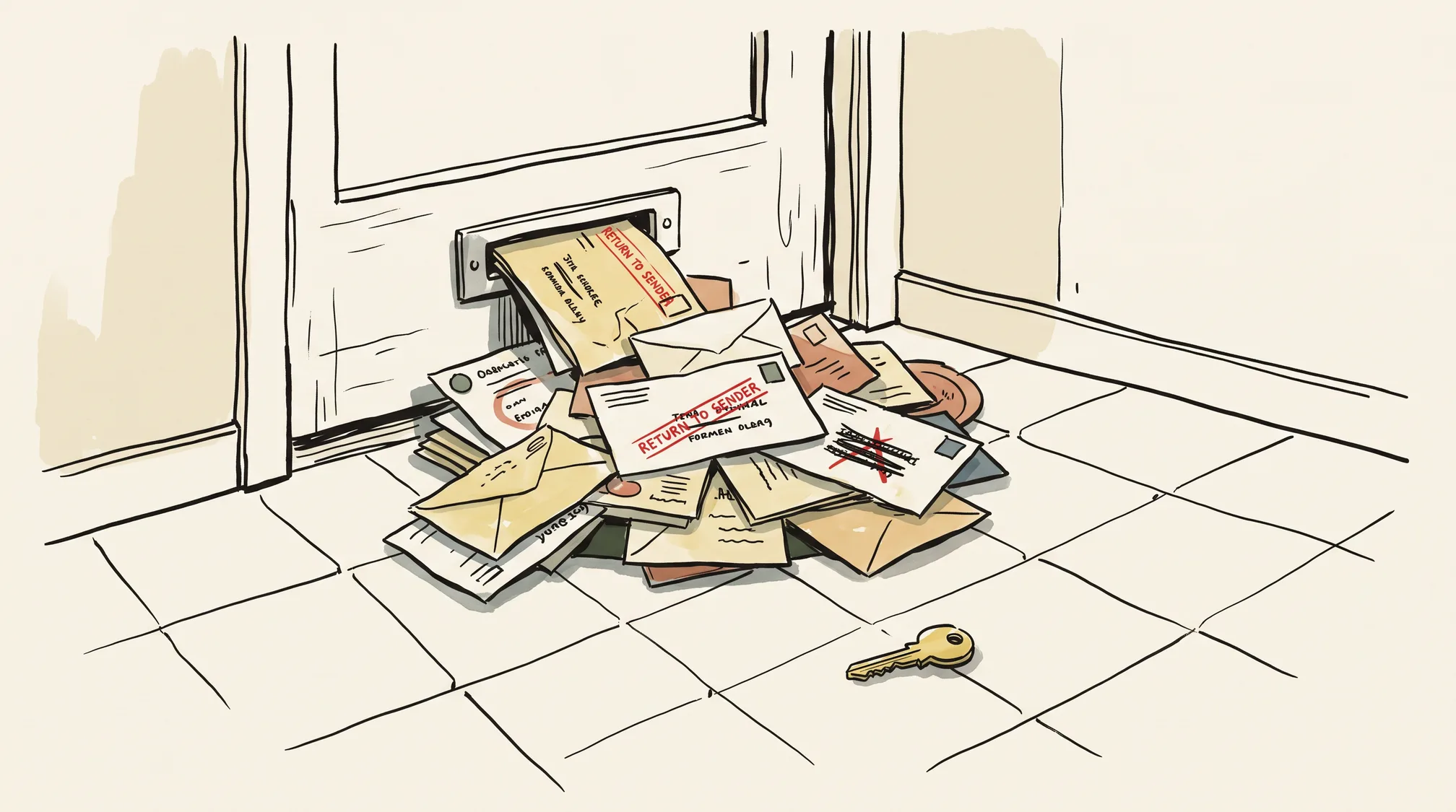
Before you pay for a domain someone else has owned, run a handful of free checks on its past. A spammy, penalized, or blacklisted history is the biggest risk in an aftermarket purchase, and it’s the one that never shows up in the asking price: the seller won’t volunteer it, the listing won’t mention it, and the moment the transfer completes, it’s yours. Search engines, mail servers, and blocklists judge the domain, not the owner — so a previous owner’s spam campaign or malware phase becomes your deliverability problem and your “dangerous site” warning. This check is a mandatory stop on the path to buying a taken domain, it’s item ten on the pre-registration checklist, and the whole thing takes well under an hour with free tools. Here are the five checks, in order.
What was this domain before?
Start with the Wayback Machine at web.archive.org. It’s free, needs no account, and holds archived snapshots of a huge slice of the web. Enter web.archive.org/web/*/example.com and you get a calendar of captures by year — the fastest possible read on what this domain used to be.
Read the calendar before the pages. Dense capture activity for years, then a long gap, usually means a real site that went dormant or was parked. Steady captures with no gaps mean the domain has been continuously alive — which makes the next question more important, not less.
Then open snapshots across different years. You’re looking for three things: whether the site was ever a real business (fine), whether it flipped niches entirely at some point (a mild flag — abrupt changes often mark a domain passing through a reseller’s hands), and whether it ever hosted adult content, gambling, pharma spam, or obvious scam pages (a serious flag, because reputation systems have long memories). This matters most for dropped and expired names — the domains with the murkiest pasts are precisely the ones that lapsed and came back around, which is why our guide to recovering an expired domain sends you here too.
Is it carrying blacklist or SEO baggage?
Skim what’s still indexed with site:example.com. Run it on Google or Bing and read the result titles and snippets, not the count — the totals are approximate, so treat this as a qualitative skim rather than a measurement. What you’re scanning for: pharma and casino titles, “hacked by” pages, or doorway pages in a language the site never operated in. Any of these means search engines were recently seeing spam on this domain.
Then check the blocklists — all of these are free. These four are a mix of reputation services and blocklists. A DNSBL — a DNS-based blocklist that mail servers query to decide whether to accept a message (the glossary covers the term) — is one piece; the “dangerous site” warning a browser shows comes from a separate reputation service. Either way, a listing is inherited by whoever owns the domain until it’s actively cleared:
- Google Safe Browsing site status, in Google’s Transparency Report: paste the domain, get Google’s current dangerous/not-dangerous verdict.
- Spamhaus DBL, via the checker at check.spamhaus.org: the Domain Block List flags domains (rather than IPs) with a spam or abuse history, and checking one domain is free.
- VirusTotal’s domain report: a free lookup (the web view asks you to sign in) that aggregates dozens of antivirus engines and reputation feeds into one verdict.
- MXToolbox’s blacklist check: one free manual query against 100+ blocklists at once.
A hit on any of these is a concrete, present-tense problem: your outbound email lands in spam from day one — the first symptom most buyers notice, and the reason our email setup guide assumes a clean domain — and visitors may see browser warnings before they see your site.
SEO penalties are murkier, so hold this one loosely. Per Google’s own commentary (John Mueller has addressed it publicly), a manual action attaches to the domain and can survive an ownership change — it isn’t guaranteed to reset just because the name changed hands. Recovery is possible: clean up the violating content and links, file a reconsideration request, and wait — but it isn’t instant. The uncomfortable corollary is that a clean-looking history is not proof of a clean slate either; none of the free checks above can see inside Google’s systems. Treat penalty risk as something you price in, not something you can rule out.
Does it have a toxic backlink profile?
Sample the link profile with a free backlink checker. Ahrefs’ free backlink checker shows the top backlinks and referring-domain count for a domain with no login. Moz’s Link Explorer has a limited free tier and adds a per-link Spam Score, which is exactly the metric you want here. Semrush and Ubersuggest both offer free sample views as well. Every one of these free tiers is a sample, not the full picture — no free tool gives you a complete backlink history — but a sample is enough to spot a pattern.
The pattern you’re looking for is manufactured links. Hundreds of links from private blog networks, blog-comment spam, or sites with casino and pharma anchor text mean a previous owner bought or botted their link profile. Those links transfer with the domain. Best case, they’re dead weight; worst case, they’re the reason for a penalty, and you spend your first months filing disavow requests for someone else’s shortcuts.
Who owned it — and is the name legally clear?
Free WHOIS shows you the present, not the past. A standard lookup returns the current registrar, registration and expiry dates, and (usually redacted) registrant details — a snapshot, nothing more. How many times the domain has been registered, dropped, and re-registered, or who held it in 2019, lives in historical WHOIS databases, and that’s a paid category — DomainTools is the best-known provider. For an expensive purchase, one paid history report is cheap insurance; for a modest one, the Wayback and backlink checks above are a reasonable free proxy.
Then spend five minutes making sure the name is legally yours to use. A domain with a history may have a history as a brand — and if that brand is trademarked, the owner can come after the name no matter how cleanly you bought it. Search the USPTO’s trademark search at tmsearch.uspto.gov (this replaced the old TESS system, which was retired in 2023), and for Europe, EUIPO’s eSearch plus or TMview — all free, no account needed. Trademark basics before you register walks through what a conflict actually looks like.
So is it safe to buy?
Weigh what you found. Clean across the board — a boring or blank Wayback history, no blocklist hits, an unremarkable link profile, no trademark collisions — and you can proceed; price is your only remaining problem. One recoverable flag — a stale blocklist listing, some low-grade link junk — is negotiating leverage: cleanup, delisting requests, and a possible reconsideration request all cost time, and the price should reflect that. Serious flags — an active blacklist entry, signs of a penalty, an adult or scam past, or a live trademark conflict — mean walk away or negotiate very hard, because you’d be buying someone else’s mess at full price. And remember that every free tool here shows a sample: a clean pass lowers the risk, it doesn’t zero it.
If the domain passes and you buy it, your job flips from vetting its past to protecting its future — how to stop your domain being stolen covers the locks to set on day one. And if it fails, remember that the only domain with a guaranteed clean history is one that’s never been registered. Run a search on Domain Yoga and you’ll get around 250 availability-checked, brandability-ranked ideas in seconds — a freshly generated available name has no past to inherit, which makes this entire article a formality you can skip.